
Visualize your Workflow
Here's an example of a Task Board Template — it's one that we use ourselves to onboard new employees:
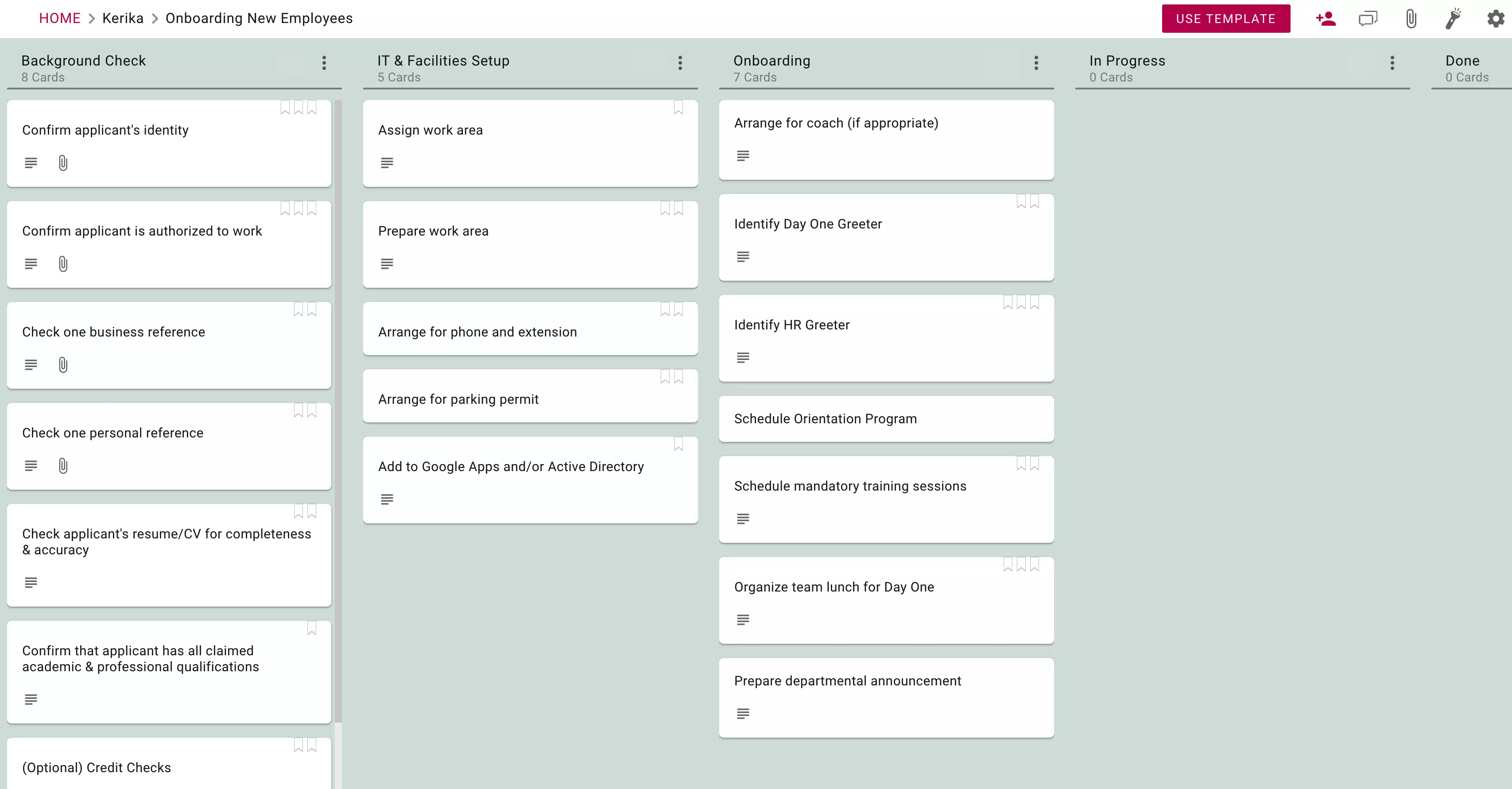
As you can see, a template looks just like a regular Project Board.
As you can see, a template looks just like a regular Project Board.

The big difference between a regular board and a template is the Use this Template button that shows up on the top-right of the board.
When you click on this button, a simple dialog box guides you through selecting the type of board you need, and giving it a name.
And that's all you need to do to start a new board using this template: give it a name, and Kerika does the rest.
In just seconds Kerika will set up a new board for you that's a complete copy of the template.
This makes Kerika the fastest way to start new boards that follow your organizations' best practices and standard workflows!

The Templates available to you can be accessed from your Home; they can include
As with regular boards, Templates can be added to your Favorites list for easy access.

Creating a new template from scratch is easy: just click on the Make New Template button from your Favorites or Owned by Me tabs in Home:
You can create templates for Task Boards (Kanban Boards) and even Whiteboards.
When you create a new template, you have the option of making it private — which means it will be available only to the people you add to the template's team — or public, which means they are available to all Kerika users.


